Build and Trade Your ATM Strategy Visually
ATM Builder lets you design your entire trade — entry, stop, and profit targets — directly on the chart before you’re ever in the market. Drag your levels into place, see your exact dollar risk and reward update live, and let ATM Builder size the position and manage the order for you.
Key Features
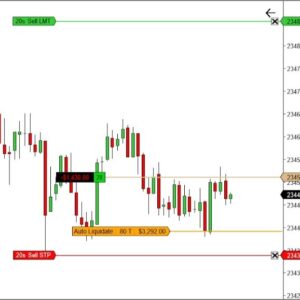
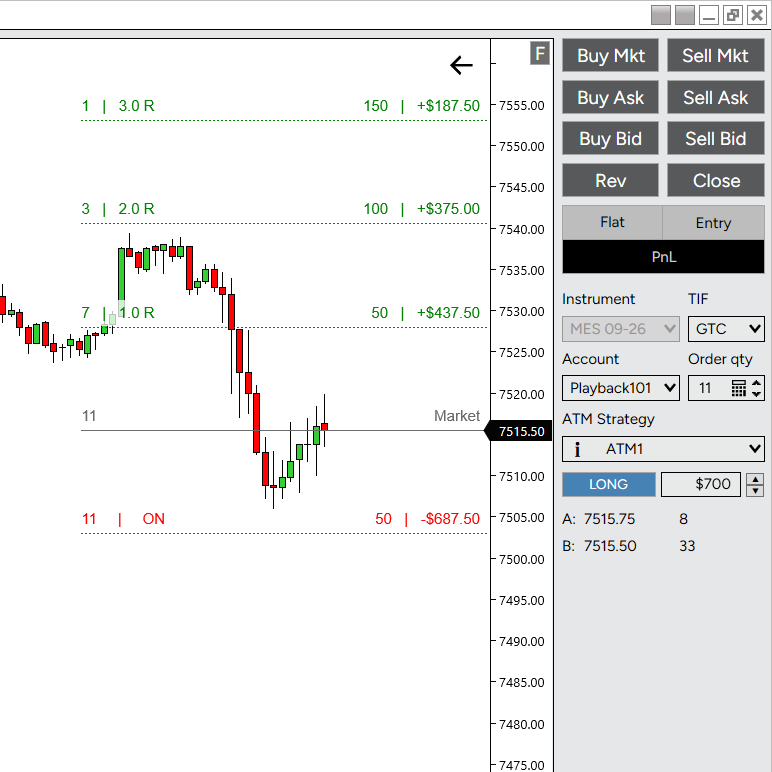
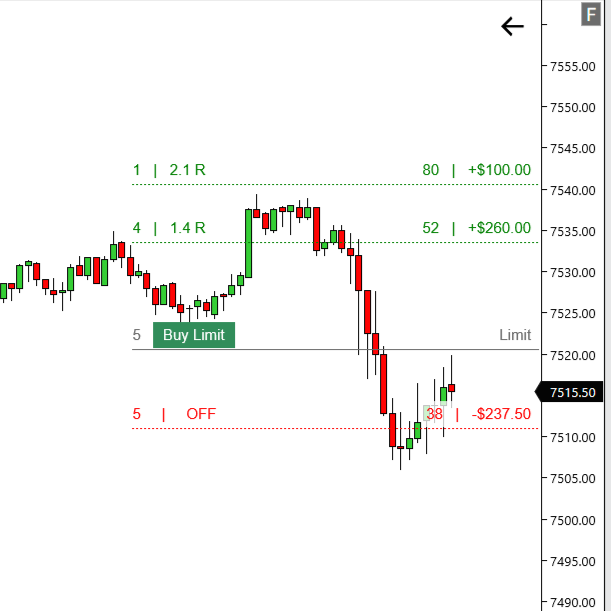
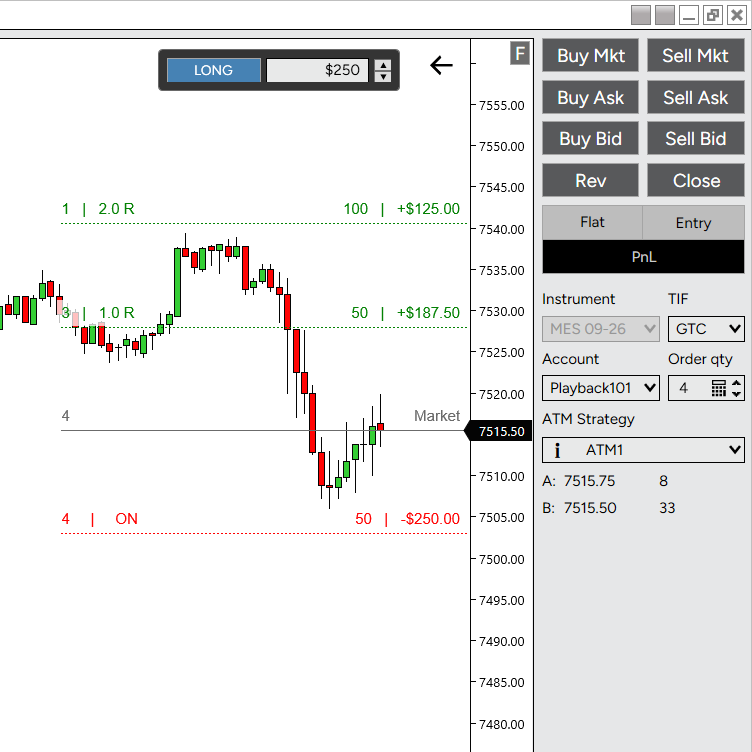
- Visual Trade Building: Drag Entry, Stop, TP1, and TP2 lines directly on your chart to design your trade before entry.
- Real-Time Risk in Dollars: Every line shows its tick distance and dollar value live — know exactly what you’re risking and targeting at a glance.
- Automatic Position Sizing: Set your max risk once; ATM Builder calculates contract size from your stop distance so you never over-risk a trade.
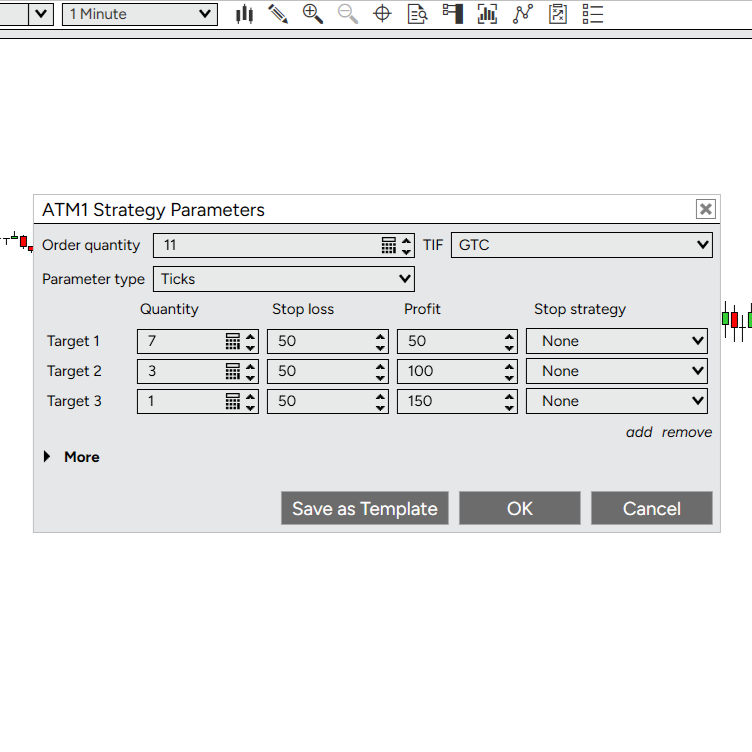
- ATM Template Integration: Reads stop and target offsets straight from your selected ATM Strategy, so your visual plan matches what actually executes.
- Smart Contract Allocation: Splits contracts across TP1/TP2 based on your ATM template’s ratio, with automatic redistribution if a target is cancelled.
- One-Click Chart Trader Controls: A compact panel built into Chart Trader — cycle Risk Off / Long / Short and adjust your max risk with a spinner, no separate window required.
- Market or Limit Entry Mode: Let your entry line follow the live bid/ask, or lock it in place for limit and stop orders.
- Live Order Execution: Submit your entry and let ATM Builder create and manage the ATM strategy for you.
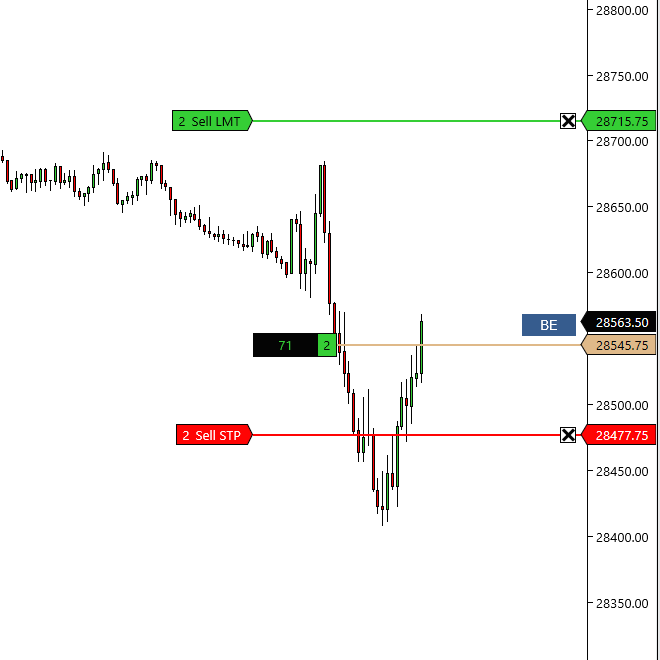
- Drag to Adjust, Live: Move your stop or target after entry and push the change straight to your live ATM strategy.
- Easy Licensing: Activate with your email or Machine ID.
Simple One-Time Setup
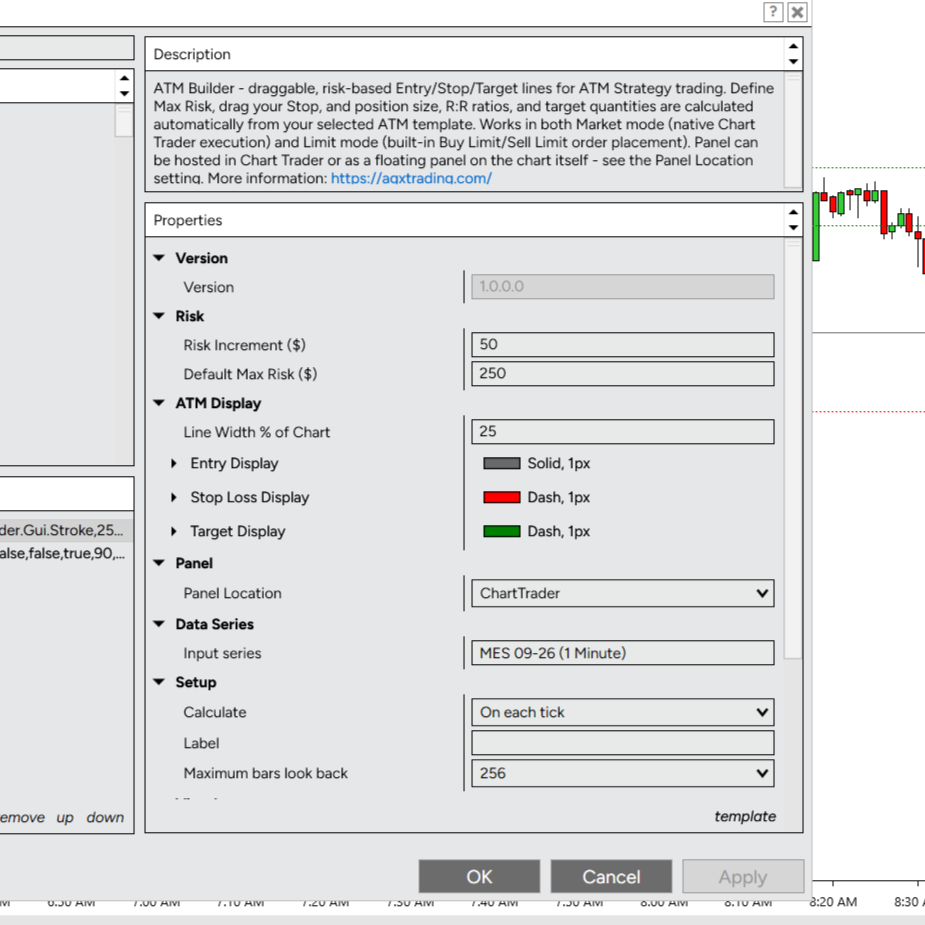
Configure these once — ATM Builder runs automatically every time you launch NinjaTrader:
- Max Risk: Set the dollar amount you’re willing to risk per trade, adjustable with the built-in spinner.
- Line Style: Customize color, style, and width for your Entry, Stop, and Target lines.
- ATM Strategy: Select your ATM template from Chart Trader — ATM Builder reads its stop/target structure automatically.
- Entry Mode: Choose Market (follows live price) or Limit (stays where you place it) for limit and stop entries.
How to Use
- Install the Indicator: Import the
.zipinto NinjaTrader like any standard indicator. - Open a Chart: Add ATM Builder from the Indicators list — the panel appears below your ATM Strategy selector in Chart Trader.
- Set Your Risk: Enter your max dollar risk in the panel.
- Build Your Trade: Click Long or Short, then drag Entry, Stop, and Target lines to your levels — contract size and dollar values update live.
- Execute: Submit the order directly from the panel; ATM Builder creates and tracks the ATM strategy for you.
FAQ
Does ATM Builder replace my ATM Strategy templates?
No. ATM Builder works with your existing ATM templates — it visualizes them on the chart and can create/manage the ATM strategy when you enter a trade.
Does it calculate my position size for me?
Yes. Set your max dollar risk once, and ATM Builder sizes the trade based on your stop distance, splitting contracts across targets according to your ATM template’s ratio.
Can I adjust my stop or targets after I’m in a trade?
Yes. Drag the line to a new price and the change is pushed to your live ATM strategy.
What’s the difference between Market and Limit entry mode?
Market mode follows the live bid/ask midpoint until you enter. Limit mode locks your entry line in place, for limit or stop orders at a specific price.
Do I need a separate license per computer?
One license covers a single user. You may install it on your own computers.